A smart lock — Schlage Encode, Yale Assure, August, Kwikset Halo — turns your front door deadbolt into something you can lock and unlock with your phone, a code, or even your voice. The install retrofits onto your existing door with no carpentry, no electrician, and no permits. About 20 minutes per lock.
There’s also a security conversation most reviews skip — and a couple of brand-specific gotchas that determine whether the install is genuinely simple or unexpectedly painful.
Here’s the install, the brand picks, and the security tradeoffs.
Three Smart Lock Categories
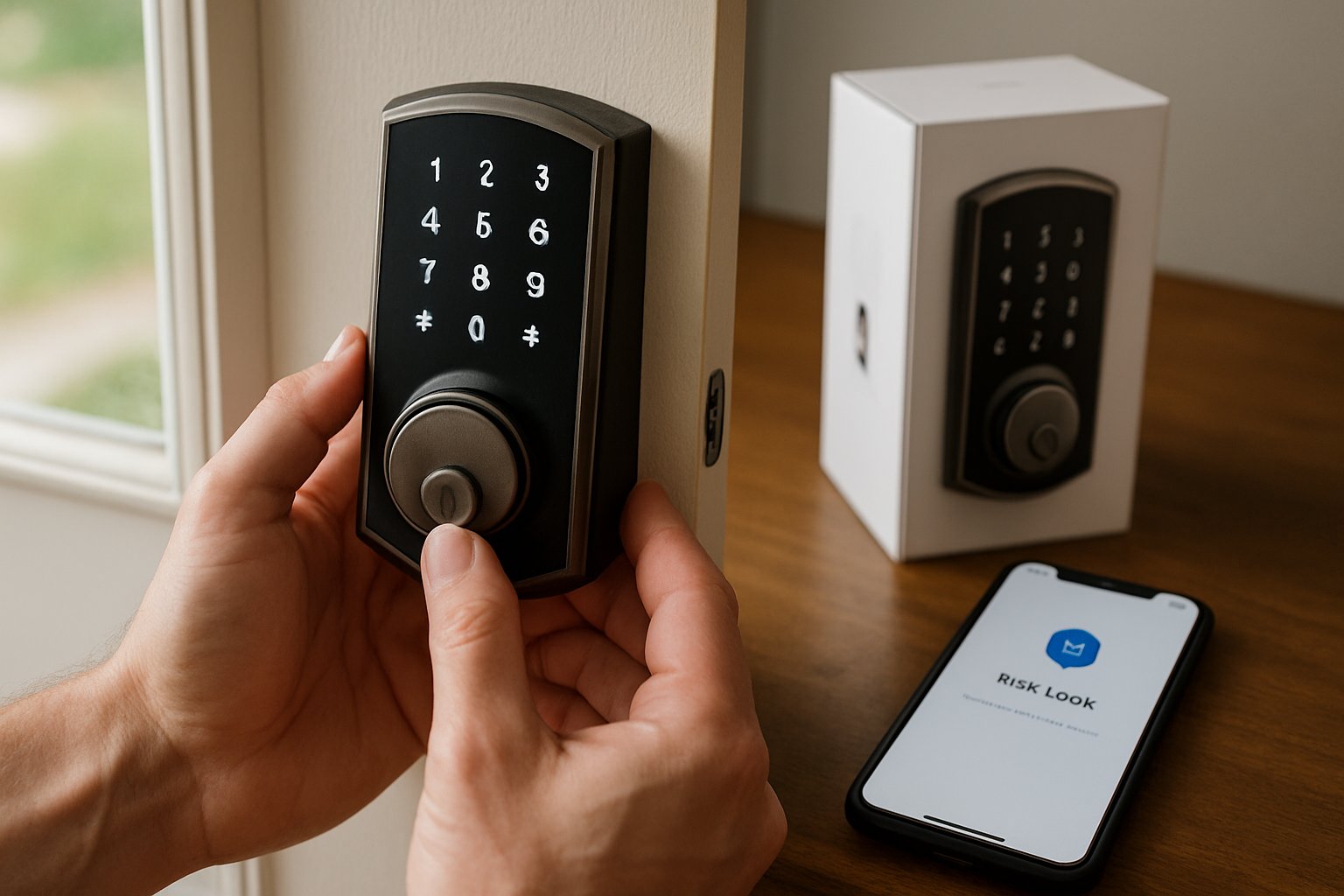
Full replacement deadbolt (Schlage Encode, Yale Assure SL, Kwikset Halo): Replaces both the interior and exterior portions of the deadbolt. Includes a keypad on the outside. Most popular type. Install: 20 minutes.
Retrofit-only (August, Wyze, Level Bolt): Replaces only the interior portion of the deadbolt. The exterior still uses your original key cylinder. You can lock/unlock from inside (smart features) or outside (with the existing key or via app/keypad if equipped). Install: 10 minutes. Best if you don’t want to replace your front door’s exterior aesthetic.
Hybrid (some Schlage and Yale models): Look like normal deadbolts on the outside but the interior is fully smart. No exterior keypad — entry is via key or app only.
For most homeowners: a full replacement with keypad (Schlage Encode is the standard recommendation) is the right pick. Keypads let you give codes to family, cleaners, contractors without sharing physical keys.
Connectivity Decision
Smart locks connect to either:
- Wi-Fi (built-in): Most convenient. Schlage Encode and Yale Assure with Wi-Fi let you control from anywhere via app. Higher battery drain (4-6 months on AA batteries).
- Bluetooth + Hub: Cheaper locks (August, Yale base models) connect to your phone over Bluetooth (in-house only) and require a separate “Connect” hub plugged in nearby for remote access. More complicated setup but lower battery drain (12+ months).
- Z-Wave or Zigbee: For people with home automation hubs (SmartThings, Hubitat). More flexible but requires the hub investment.
For a single front door: Schlage Encode WiFi or Yale Assure WiFi — direct Wi-Fi, no hub needed.
Tools and Materials
- The smart lock (kit)
- Phillips screwdriver
- Tape measure (verify door spec)
- A scrap of cardboard (to protect the door surface during install)
- 4 fresh AA batteries (most use 4)
Step 1: Verify Compatibility
Door thickness: Smart locks fit doors 1-3/8 to 1-3/4 inches thick (standard exterior doors are 1-3/4). Some are adjustable; some require a specific thickness.
Backset: The distance from the edge of the door to the center of the deadbolt hole. Standard is 2-3/8 or 2-3/4 inches. Most smart locks adjust to either.
Hole size: The hole in the door for the deadbolt cylinder is standard 2-1/8 inches across the face and 1 inch through the edge. Existing deadbolts use the same size, so any smart lock fits.
If you’re replacing an existing deadbolt: any standard smart lock fits with no door modification.
Step 2: Remove the Old Deadbolt
- Open the door.
- From the inside, unscrew the two screws holding the interior thumbturn to the door. The interior assembly comes off.
- From the outside, the cylinder slides out toward you.
- From the door edge, unscrew the latch plate (2 screws). Pull the latch mechanism out of the door.
Total time: 5 minutes.
Step 3: Install the New Latch Mechanism
- The smart lock’s latch is the part that goes through the edge of the door. Adjustable backset (2-3/8 or 2-3/4) — set it correctly first.
- Slide the latch into the hole in the door edge. Make sure the bevel of the latch tongue faces the strike side (the tongue’s flat side should face you when the door is open).
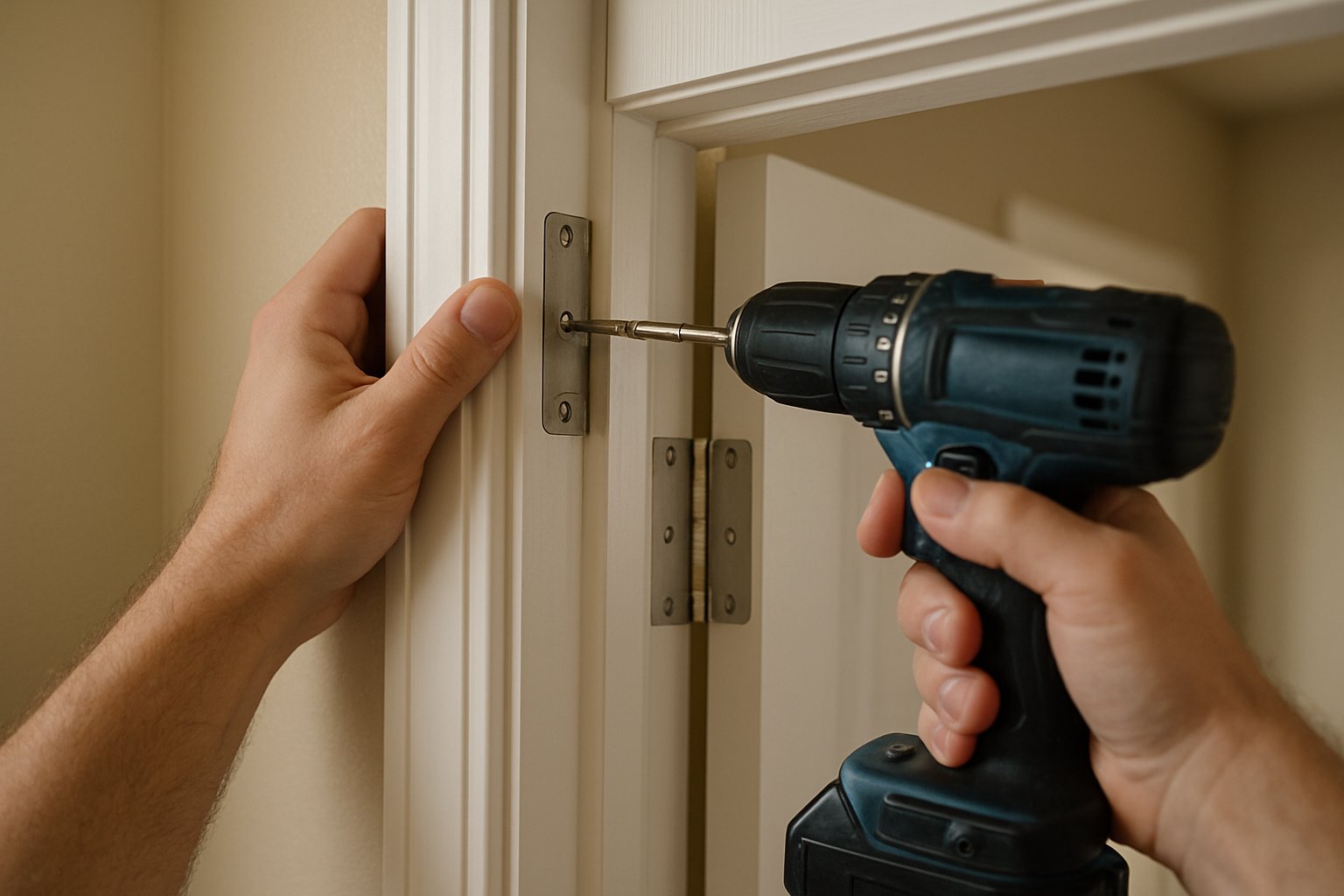
- Screw the latch plate flush with the door edge.
Step 4: Install the Exterior Side
- From the outside, hold the exterior portion (the keypad/key cylinder) up to the door, centered on the deadbolt hole.
- The tailpiece (a flat metal bar) should pass through the latch mechanism’s center opening.
- Some locks have a small pin or clip that has to be aligned correctly — read the manual carefully.
Step 5: Install the Interior Side
- From the inside, the smart lock’s interior assembly mates with the exterior tailpiece.
- Most have a battery compartment that opens — install the 4 AA batteries (or whatever the unit takes).
- Hold the interior unit against the door, line up the screws, and tighten — alternate between the top and bottom screw to keep the assembly square.
- Don’t overtighten — you can warp the lock body and prevent the deadbolt from operating smoothly.
Step 6: Test the Mechanical Operation
Before connecting to Wi-Fi or programming codes:
- With the door open, manually turn the interior thumbturn or button. The bolt should extend smoothly into the strike position and retract back without binding.
- Close the door and engage the bolt. The bolt should slide into the strike plate hole without rubbing.
- If the bolt binds: check that the strike plate hole on the doorframe is aligned correctly. You may need to file the strike hole slightly larger or move the strike plate.
Step 7: Pair With Your App
Each manufacturer has its own app. Generally:
- Download the manufacturer’s app (Schlage Home, Yale Access, August Home).
- Create an account.
- Hold your phone near the lock and follow the in-app pairing wizard.
- Connect to your home Wi-Fi when prompted.
- Set up codes, schedules, and notifications.
For most locks, this takes another 10 minutes.
Common Mistakes
- Installing on a door that doesn’t latch cleanly with the existing deadbolt. Smart locks are precision instruments — if your old deadbolt was already binding or not sliding fully home, the smart lock will struggle even more. Fix the strike alignment first.
- Skipping the test before pairing. Mechanical issues are easier to diagnose with a manual lock test than during a Wi-Fi setup screen.
- Overtightening the interior screws. Warps the body, prevents smooth operation. Snug, alternating top and bottom.
- Forgetting to register the lock with the manufacturer for warranty. Most have 3-year warranties that activate at registration.
- Sharing the master code. Always create individual codes for family members and contractors. Track who has what.
- Disabling the physical key (some locks let you). Don’t — when batteries die or Wi-Fi fails, the physical key is your emergency entry. Keep it functional.
Security Tradeoffs
The pros:
- No more lost keys
- Granular access (give the cleaner a code that only works Tuesdays 9-5)
- Logs of who entered when
- Remote unlock for deliveries / arriving guests
The cons:
- Battery dies = lock won’t work (always keep the physical key on you)
- Wi-Fi outage = remote features stop (lock still works locally)
- Vulnerable to hacking (every smart lock has been hacked at some point — search before you buy for recent CVE disclosures)
- Manufacturer can push firmware updates that change behavior (or stop supporting older models)
For 95% of homeowners, the convenience outweighs the risks. For high-security situations, a traditional deadbolt is still more reliable.
When to Call a Locksmith
- Your existing door doesn’t have a deadbolt and you need a hole drilled (locksmiths have door templates and a chuck-style hole saw that gets it perfect).
- The strike plate has to be relocated (frame work).
- The door isn’t sized correctly for any standard smart lock.
Frequently Asked Questions
Will a smart lock work in extreme cold? Yes — manufacturers test to -22°F. Battery life drops in cold weather, so plan to change batteries more frequently in winter.
What happens during a power outage? Smart locks run on internal batteries — power outage doesn’t affect them. Wi-Fi outage means remote features pause, but the keypad and physical key both still work.
Can someone hack my smart lock? Theoretically yes, like any connected device. In practice, the most common security failure is weak codes (1234, your birthday). Use 6+ digit random codes and rotate them periodically.
My HOA doesn’t allow smart locks. Now what? This is rare but happens. A retrofit-only lock (August, Level Bolt) might pass since the exterior looks unchanged.
The Bottom Line
A smart lock is one of the cleanest 20-minute upgrades to a house. The install is mechanical, no electrical, no door modification. The convenience is real. The security tradeoffs are real but manageable with smart code practices.
For the full sequence including the more involved door modifications, multi-door coordination, and the smart-home integration paths, see Replace a Deadbolt or Install a Smart Lock.
For a whole-house security plan that covers locks, cameras, and entry hardening, send your photos for a $19.99 diagnostic report.