A smart thermostat — Nest, Ecobee, Honeywell T9 — typically saves 8–15% on heating and cooling bills through learning schedules, geofencing, and remote control. Install time is 30 minutes, and the device pays for itself in a year or two.
The catch: about a third of homes in America are missing the “C-wire” (common wire) that smart thermostats need to draw constant power. Without it, you have three options — most homeowners don’t know about all three.
Here’s how to check what you have, fix what’s missing, and complete the install.
Step 1: Check Your Current Wiring
Before you buy anything, take a phone photo of the back of your existing thermostat. You’re looking at the wires going into the terminal block.
Pull off the cover (most pop off; some have a small screw). Don’t disconnect the wires — just look.
Identify the wires by terminal label:
- R or Rh / Rc = power from the transformer (red wire usually)
- W = heat call (white wire usually)
- Y = cooling call (yellow wire usually)
- G = fan (green wire usually)
- C = common (blue wire usually) — the one we care about
The key question: do you have a wire connected to the C terminal?
- Yes, C-wire present: You can install any smart thermostat. Skip to Step 3.
- No C-wire (terminal empty or no blue wire visible): Continue to Step 2.
Step 2: Three Options If You Don’t Have a C-Wire
Option A: Run a new C-wire from the furnace. Best long-term solution. Requires running thermostat cable from the HVAC unit to the wall. DIY-able if you have basement or crawlspace access. About $20 in cable, 1-2 hours of work. If walls are involved, electrician territory.
Option B: Use an “add-a-wire” or “C-wire adapter.” A small device installed at the furnace that converts the existing 4 wires into 5. Sold by Nest, Ecobee, and Honeywell. About $25, 30-minute install at the furnace. Works in 95% of installations. Easiest fix.
Option C: Buy a smart thermostat that doesn’t need a C-wire. The Ecobee Lite, some Honeywell models, and Sensi work without C-wires by stealing power from the heat call (called “power stealing”). Works fine in most installations, occasionally causes issues with sensitive HVAC equipment. Read reviews for your specific HVAC.
For most homeowners: Option B (C-wire adapter) is the cleanest fix and lets you use any smart thermostat.
Step 3: Install the Thermostat
Once you have the C-wire (or adapter installed), the thermostat install is straightforward.
Tools and materials:
- The new thermostat (kit usually includes wall plate, screws, drywall anchors, level)
- Phillips screwdriver
- A small flathead (for terminal screws)
- A pencil
Step 1: Turn off power to the HVAC system at the breaker panel. Don’t trust the thermostat’s “off” setting. Find the breaker labeled “furnace,” “HVAC,” or “air handler” and flip it off.
Step 2: Remove the old thermostat.
- Pull off the front cover.
- Take a photo of the wiring connections. Critical reference for later.
- Label each wire with masking tape and the terminal letter (R, W, Y, G, C). Wire colors aren’t always conventional — always trust the labels.
- Loosen each terminal screw and free the wires.
- Unscrew the wall plate from the wall. Lift away.
- Wad the wires loosely with a piece of tape so they don’t fall back into the wall cavity.
Step 3: Mount the new wall plate.
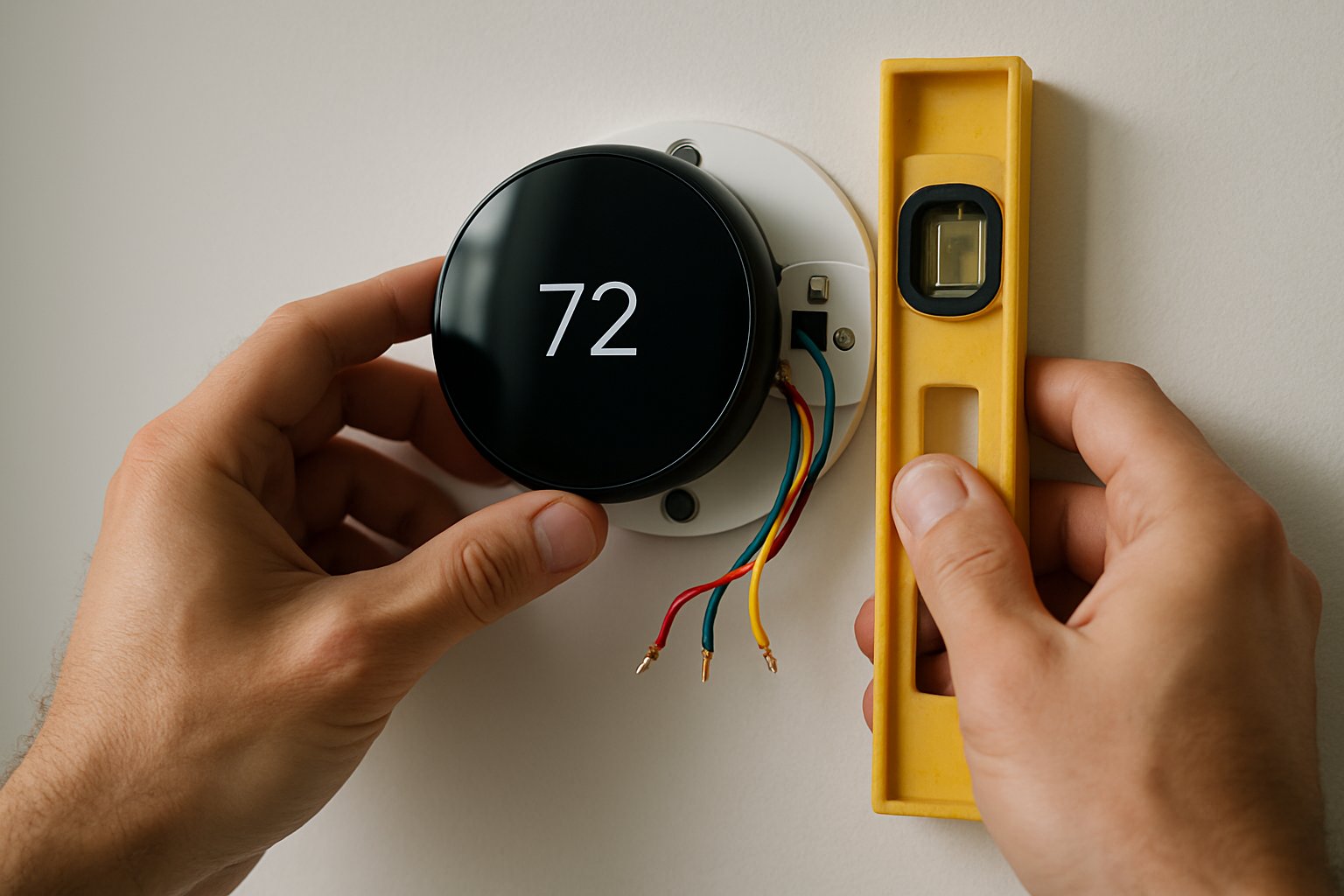
- Hold the new plate against the wall, fed wires through the center hole.
- Use the included level to make sure it’s straight.
- Mark screw locations with a pencil.
- Drill pilot holes (use the included drywall anchors if not into a stud).
- Screw the plate to the wall.
Step 4: Connect the wires.
- Insert each labeled wire into the matching terminal on the new wall plate.
- Press down on the terminal release tab if there is one (newer models use spring terminals; older have screw terminals).
- Tug each wire to confirm secure.
- Tuck excess wire back into the wall.
Step 5: Snap the thermostat unit onto the wall plate.
Step 6: Restore power at the breaker.
Step 7: Run the thermostat’s setup wizard.
- Connect to your home Wi-Fi.
- Pair with the manufacturer’s app.
- Configure your HVAC type (heat pump, gas furnace + AC, boiler, etc.)
- Test heating and cooling — call for heat, listen for the furnace; call for cooling, listen for the AC.
Common Mistakes
- Skipping the wire-labeling step. When you go to wire the new thermostat, the colors don’t always match conventions. Labels save you from a long troubleshooting session.
- Not turning off the breaker. Some thermostat circuits are 24V (low voltage, won’t shock) but you can still short the system and damage the control board ($300–$600 to replace).
- Mounting on a poorly-located wall. Avoid: direct sunlight, exterior walls (cold spots), kitchens, hallways with a lot of door movement. Best location: interior wall, bedroom or living room, away from vents and direct sun.
- Connecting the C-wire to the wrong terminal at the furnace. The C terminal at the furnace is labeled “C” — same as at the thermostat. Match them.
- Forgetting to pair the thermostat with the app immediately. Some setup options can only be configured during initial install. Get the app paired before you walk away.
- Installing where there’s a draft from the wall cavity. A poorly-sealed wall cavity behind the thermostat causes inaccurate readings. Stuff insulation around the wires from inside the wall before mounting.
When to Call a Pro
- Your existing thermostat has more than 5 wires (heat pump or multi-stage system — possible DIY but more wiring care needed).
- The furnace control board looks burned, melted, or has obvious damage.
- You have a specialty system: radiant floor heating, mini-split, or older boiler with millivolt control.
- You don’t feel comfortable working at the furnace to install the C-wire adapter.
Frequently Asked Questions
Will a smart thermostat work with my heat pump? Yes — Nest, Ecobee, and Honeywell all support heat pumps including auxiliary heat (emergency strips). You’ll need to confirm during setup that your HVAC type is selected correctly.
Do I need to replace the thermostat in every zone? For multi-zone systems, yes — each zone has its own thermostat and each one needs its own smart unit (or you keep the dumb ones in zones you don’t actively schedule).
Will my smart thermostat work without internet? Yes for basic on/off control. No for the smart features (scheduling via app, geofencing, voice control). Local schedules set on the device itself continue to work offline.
Do utilities give rebates for smart thermostats? Many do. Search “[your utility name] smart thermostat rebate” — common rebates are $50–$100 toward an Ecobee or Nest.
The Bottom Line
A smart thermostat is one of the highest-value home upgrades you can make in an hour. The whole job hinges on whether you have a C-wire — check that first. If yes, install is straightforward. If no, the C-wire adapter is the cleanest fix.
For the full sequence including heat pump configurations, dual-fuel setups, and the multi-zone considerations, see Install a Smart Thermostat.
For an HVAC sequencing review or a smart-home plan that includes lighting, locks, and climate, send your photos for a $19.99 diagnostic report.